Building Personal Website, Part 1: The Chaotic Beginning
Building My Personal Website with AI (Part 1): The Chaotic Beginning
I vibe coded my personal website using AI, without a design, without frontend experience, and honestly without a clear plan. It worked... but not in the way I wanted to.
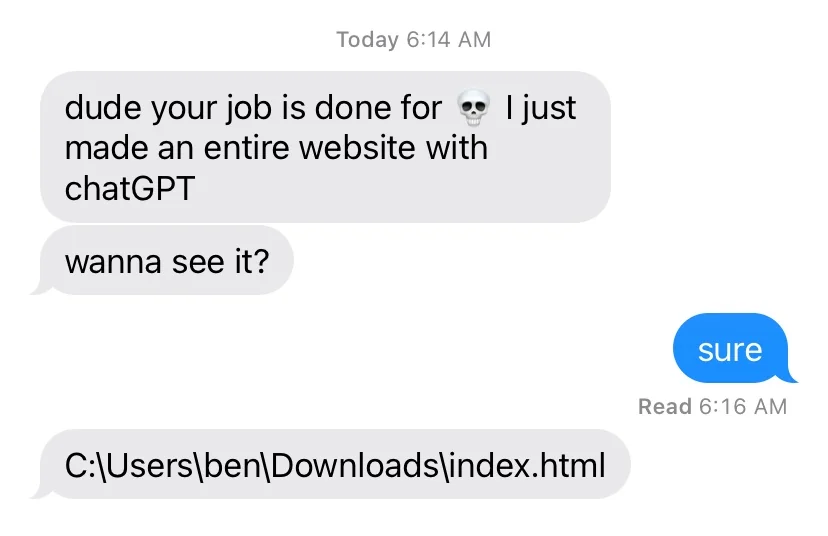
Why I’m Building This
There are a few reasons why I decided to build my own website.
First, working as DevRel at Zencoder for the past couple of years, I kept seeing other DevRels share their talks, upcoming events, and projects through their personal sites. At some point, it just felt like something I should have as well, a sort of home base for my personal brand.
Second, I work at a company building AI coding tools. So it felt almost wrong not to use AI for something like this. I wanted to "practice what I preach", show that you build something real using AI, and document that journey along the way.
And last but not least, I just wanted to have fun. I had never built a website from scratch before. I can read JavaScript , but writing is a different story. This felt like a perfect opportunity to explore that, with AI doing the heavy lifting.
“I Have a Dream”... But No Plan
Like many good (and bad) stories, this one started with a vague idea back in August 2025 (and before you go check when this was published - yes, I'm that slow). I knew I wanted:
- a personal landing page
- a place to showcase talks
- maybe something more in the future (more about that in the upcoming chapters)
But beyond that? Nothing concrete. No design. No structure. Not even a rough sketch. Normally, that would be a terrible way to start a project. But with AI, it felt acceptable. You can always play the prompt "roulette" again, right? That assumption turned out to be both true and very misleading.
Choosing the Stack (with AI)
Before writing any code, I did what most people do nowadays: I asked ChatGPT. I didn't want to go website constructor route, because where is suffering fun in that? So after some back and forth, I landed on a typical vibe coder starter pack:
- Next.js - full-stack out of the box
- Supabase - auth + database
- Vercel - deployment
I also brainstormed the initial pages and structure with AI. However to be completely honest, I feel like it was more for myself to get at least some structure in my head, rather than for AI. Anyway, at this point, everything still felt under control. Kinda
What I Could Have Built (But Didn’t)
Here’s the interesting part. Even back then, you could get really impressive UI with a single prompt. I actually even have a concrete example - a prompt that generated a clean, modern, almost cinematic-looking interface in one go. Courtesy of my ex-colleague Vibor.
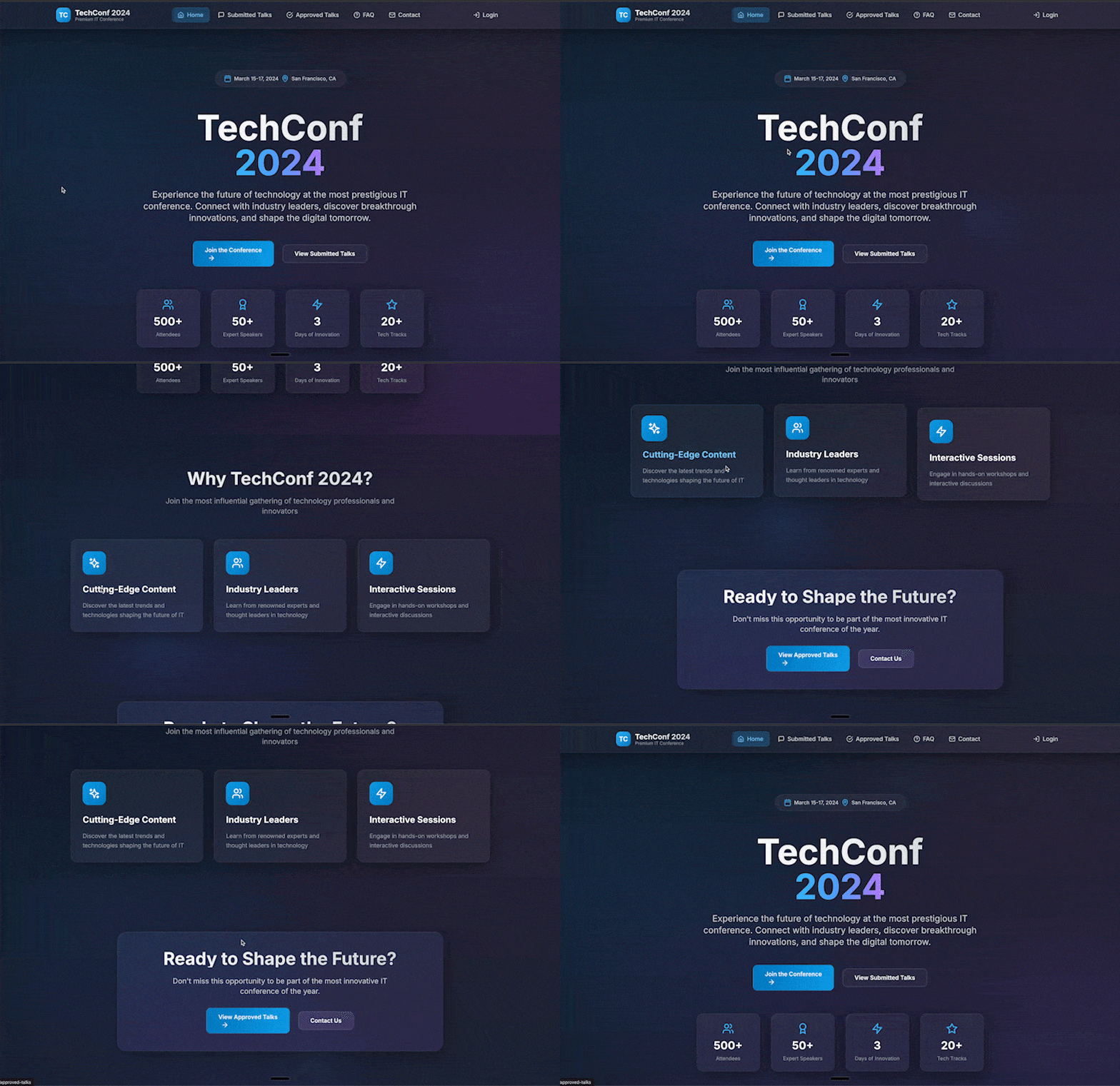 And the prompt itself (perhaps I should try it again now after ~8 months and several model generations later)
text1I want you to build me a beautiful cinematic IT conference website. Use tactile felt like animations in the header, also use motion framework for micro interactions and animations. Everything needs to have that premium cinematic field of an expensive website with some really amazing and beautifully designed elements. The project should be build with react and use supabase for auth. It needs to emphasize aesthetic quality of the website and it's amazing user experience. Also add an effect where when I'm moving my mouse the pulsating background of some interesting patterns can also appear and follow my mouse around. It needs to follow the overall visual language of the landing page.
2Add the following pages:
3Intro/Home Page: Main landing page for the conference
4Submitted Talks Page: Shows all submitted talks with vote counts, visible to everyone but only authenticated users can vote
5Login Page: Authentication for users
6User Profile Page: List of user's submitted talks with statuses; personal information and settings
7Talk Submission Page: Form for submitting new talk proposals, only available for authenticated users, fill in available user data automatically
8Admin Dashboard/Panel: For conference organizers to manage talks, users, and settings; features: approve/reject talks, view statistics
9Approved Talk Directory: List of all approved talks with link to speaker page with bio
10FAQ/Help Page: Common questions and answers; support information
11Contact Page: General inquiries, support requests, or media contacts
12Each page should follow the same aesthetic and style without exception.
So the capability was there. AI could absolutely generate something visually polished from the start.
What I Actually Built
Instead... I didn’t use any of that. I gave a very basic prompt - “build these pages, use this stack". No design guidance at all. Well, maybe prompt was not that basic, I did iterate on structure with ChatGPT a bit.
text1I want to build a website for myself. I plan to use supabase, prisma and deploy on vercel. For styling let's use tailwind and shadcn/ui. For actual code - nextjs. The structure would be the following:
2apps/
3  web/
4    app/
5      (marketing)/
6        page.tsx               # Home
7        about/page.tsx
8        talks/page.tsx
9        talks/[slug]/page.tsx
10        videos/page.tsx
11        blog/page.tsx
12        blog/[slug]/page.tsx
13        contact/page.tsx
14      (admin)/                 # Protected group
15        layout.tsx
16        page.tsx               # Admin dashboard
17        submissions/page.tsx
18        events/page.tsx
19        talks/page.tsx
20        content/page.tsx
21        stats/page.tsx
22    components/
23      charts/AcceptanceRate.tsx
24      forms/
25      ui/
26    lib/
27      supabase/server.ts       # server client (service role NOT in browser)
28      supabase/client.ts       # browser client (anon key)
29      auth.ts                  # session helpers
30      stats.ts                 # SQL helpers for charts
31    middleware.ts              # protect /admin
32    prisma/
33      schema.prisma
34    styles/
35    package.json
36    Do initial setup for the pages.
And, unsurprisingly:
You get what you ask for.
Overlapping menus, transparent elements where they shouldn’t be, sticky components behaving unpredictably, inconsistent layouts, the list goes on.
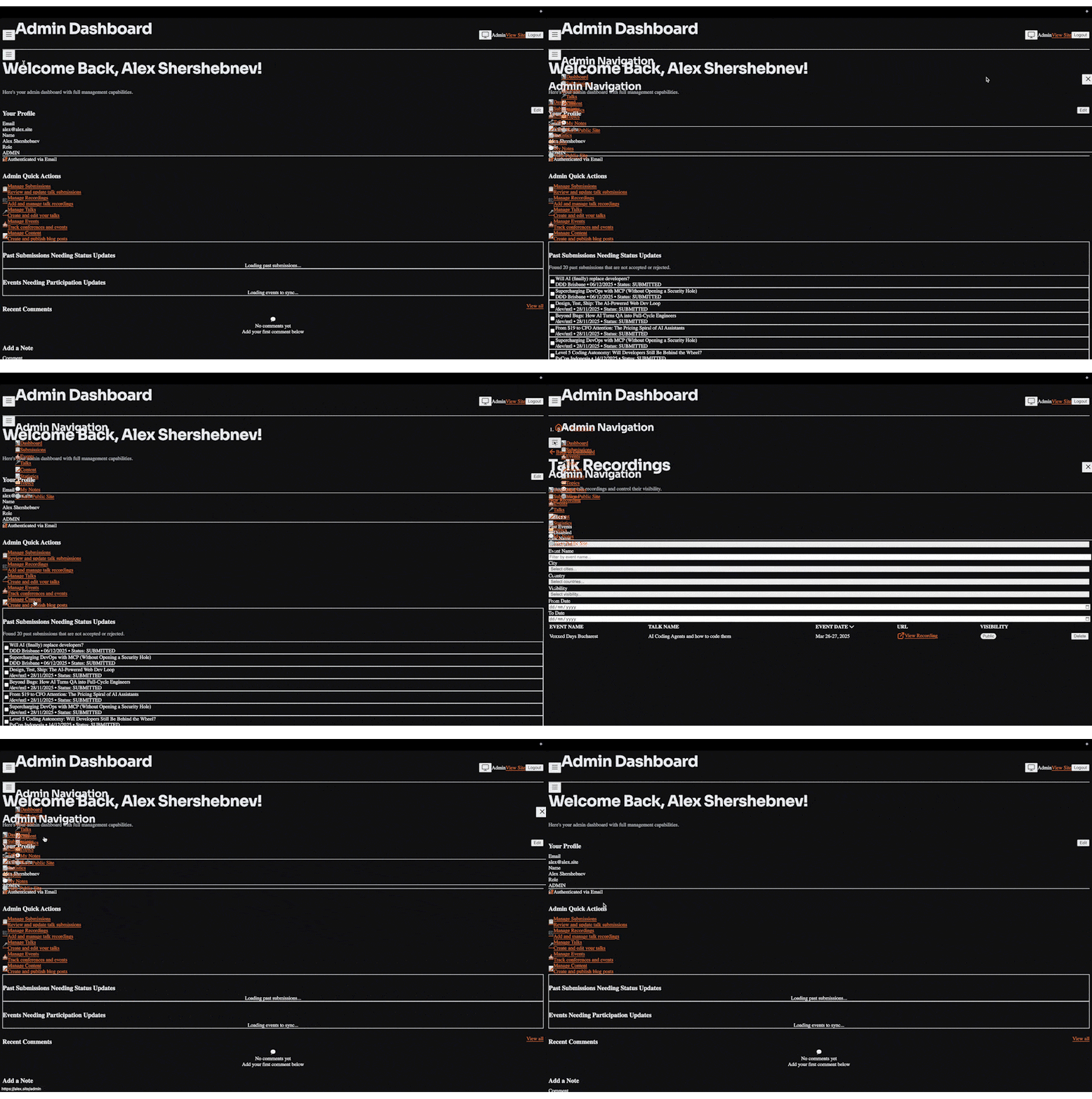
Functionally, it worked. Visually - yea... not something I'd be putting out there as my personal website
The First Signs of Chaos
At the time, I didn’t think this was a big deal.
My thinking was:
"It works. I can fix the UI later."
And besides, refactoring old code with AI is the use case I hear a lot from prospective customers, so it could be a good opportunity to try on a "real" project, right? Right?
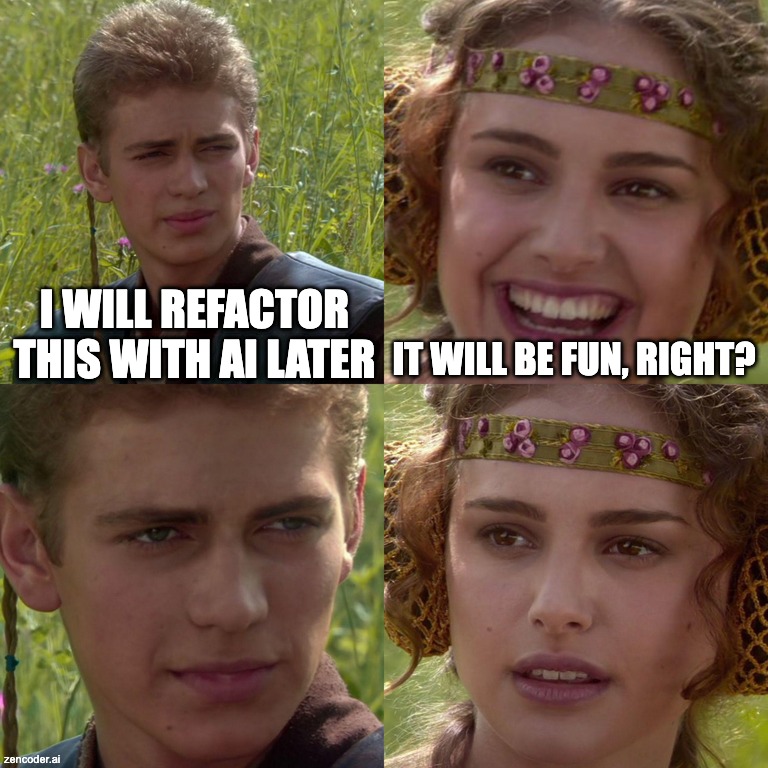
But looking back, this is where things started to drift. Because I didn’t have neither a design system, nor a clear vision. As I've been testing I came up with new features or edits to existing ones, and I just asked AI to implement them. So every new feature became a small improvisation in a sense. And AI is great at generating code, but it won’t give you coherence unless you ask for it.
And just to give you an example of lack of vision, as I was inserting the above meme with Anakin and Padme, I've realized that (A)I've actually implemented drag'n'drop of images to markdown editor. All the previous images I was uploading through "Attach image" button...
Early Mistakes (In Retrospect)
A few things became clear pretty quickly:
- No design upfront → bad UX later
- Vague vision → feature creep
- “AI will fix it later” → technical debt early
I also spent quite a bit of time worrying about security, maybe more than necessary at that stage. I was double-checking outputs across different models, comparing answers, trying to be careful.
And while that caution wasn't baseless, it also slowed me down for a project that, at the time, didn’t even handle real user data.
Where This Left Me
So at this point, I had a working website, questionable UI, growing complexity and no clear structure. It looked like progress. But underneath, it was already getting messy.
What’s Next
That’s when I realized I needed to rethink how I was building this. Not just patch things, but actually add some structure and coherence into the project.
In Part 2, I’ll go into the first attempts to fix this - strip dependencies, refactor code, introduce design. First, but certainly not last.
Comments (0)
Sign in or sign up to leave a comment